Three things today. A new firmware build, a side project that has nothing to do with the adapter but came out of the same curiosity, and an update to one of the tools on this site.
Firmware V1.6.2610181527
The build is on the Firmware Updates page. One fix and a round of work on Benches.
Fixed: connecting to the internal SCPI device over VXI-11 could come back with an "Invalid address" error.
Benches
- The second bench selector moved to its own row, below the selected bench. It was sitting where it looked like it belonged to the buttons next to it, which made it unclear that new, delete, download and import act on the selected bench only.
- Button tooltips now name the field they act on, and the buttons are grouped, so a narrow window wraps whole groups rather than stranding single buttons on a line of their own.
- Importing a bench now asks first when the open bench has unsaved changes. Until now those changes were thrown away without a word, which is the kind of thing you only find out about the hard way.
- A text reading now picks its font size by measuring what fits, in three steps, instead of always using the smallest one. Short replies are shown large, and the size is worked out again when the window is resized or a second bench is opened.
- Reading and writing benches is retried once on a network failure, and a failed attempt now names what could not be reached and what usually fixes it, rather than reporting "failed to fetch" and leaving you to guess.
- The REST API on port 81 keeps its TCP connections alive instead of closing after every reply. A running bench used to open thousands of short-lived connections, with a trail of stray TCP resets behind them. It now uses one.
VisaMCP, an experiment
This one is not firmware and not part of the product. It is something I built because I was curious, and it turned out to be interesting enough to put up.
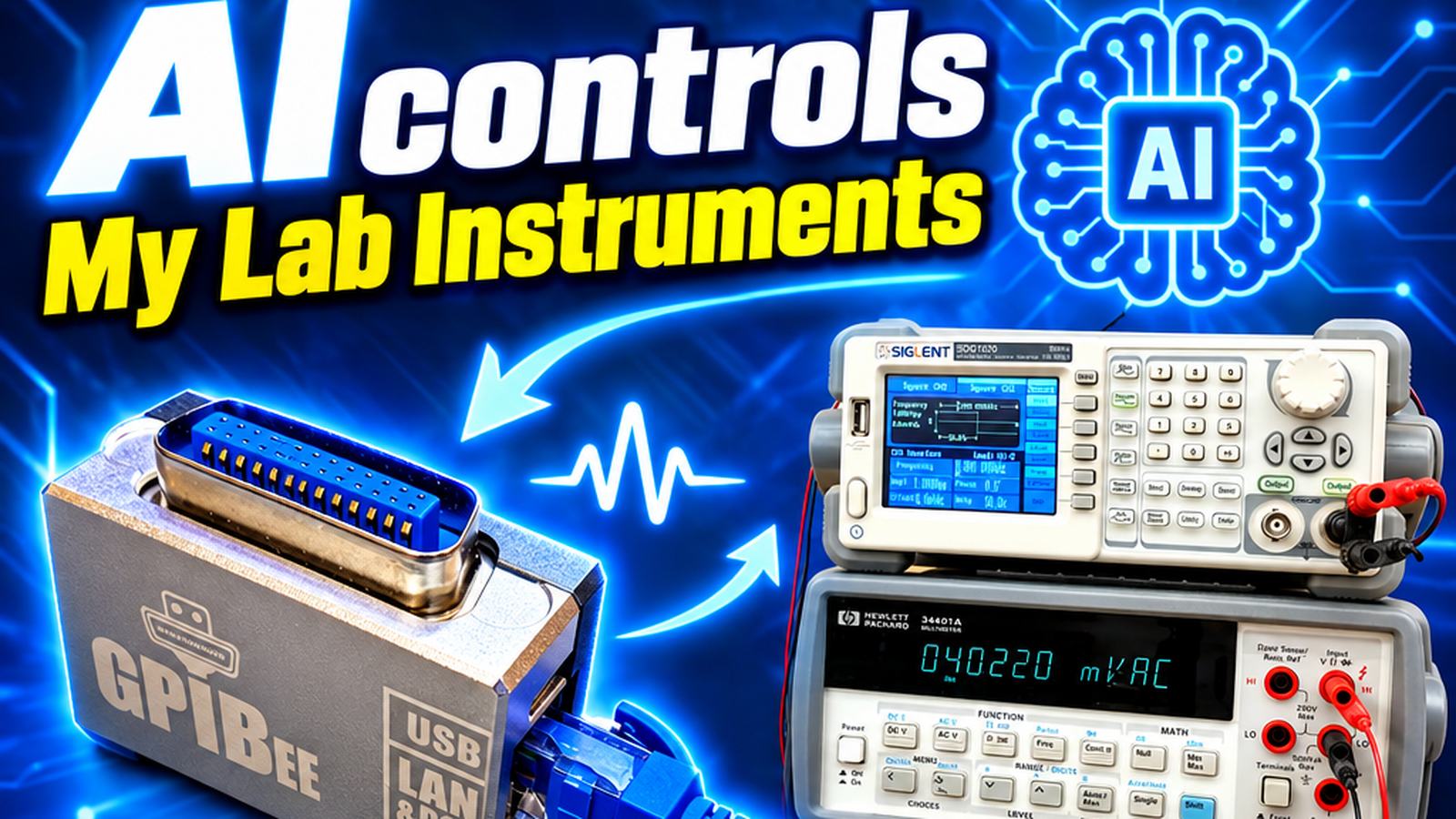
VisaMCP is a small program you run on your own PC. It lets an AI assistant talk to your instruments through whatever VISA you already have, by offering the ordinary VISA operations as tools the assistant can call: find resources, open a session, write, query, read the status byte, and so on. It is not tied to GPIBEE and works with any instrument your VISA can see.
I was sceptical about AI for a long time and in places I still am, so I want to be careful about what I claim here. Where it has earned its keep for me is an instrument I do not know yet: a box on the bench, a manual of several hundred pages from the 1980s, and a question that should take two commands to answer. If you already know the instrument, a script you wrote yourself is faster and entirely predictable, and there is nothing wrong with working that way.
It is worth saying plainly that this drives real equipment. An assistant can confuse a unit or pick the wrong channel, and a supply told 30 V instead of 3 V will deliver 30 V. Set the limits in the instrument itself and keep an eye on what gets sent.
Binaries for Windows and Linux, setup instructions for Claude and other MCP clients, and the rest of the caveats are on the VisaMCP page.
The PyVISA Code Generator knows your instrument now
The PyVISA Code Generator has always asked you for the read and write termination, which is fine if you know them and awkward if you do not. It now has an optional instrument picker. Start typing a manufacturer or a model, and it fills those two settings in for you.
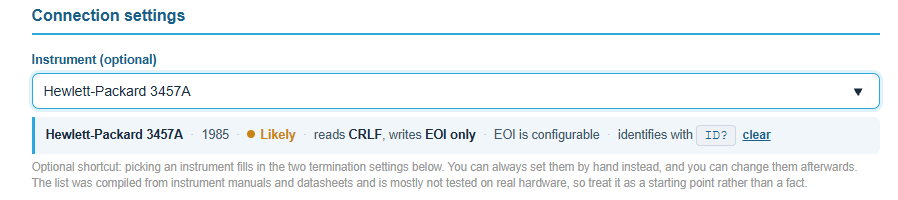
Behind it sits a list of just over a thousand GPIB instruments, put together from manufacturer manuals, programming guides and application notes. Please do not read it as a database of facts. Very little of it has been tested on real hardware, and a good deal is inferred from a sister model or from a family of instruments rather than documented for the exact model you picked. It is a starting point that saves you digging through a scanned manual, nothing more.
That is what the coloured badge on the result line is for. It says, in one word, how far the information should be trusted: From the manual where the instrument's own documentation says so, Likely where it comes from a sister model or from the IEEE 488.2 rules, and Best guess where it was inferred. Hovering over it shows where the value actually came from. The honest summary is that most entries are not in the first category.
Nothing about this is compulsory. You can ignore the picker completely and set the two dropdowns yourself, as before. If you pick an instrument and then disagree with what it filled in, change it: your setting wins, and the line simply notes that you changed it.
One thing the picker quietly gets right is the identify query. *IDN? is the
obvious one, but it only arrived with IEEE 488.2, so plenty of older instruments answer something
else entirely, like ID? or U0X, and some have no identify command at
all. The generated code now uses whatever that instrument actually understands, and where there
is nothing to ask, it says so instead of handing you a query that would sit there until it times
out.
Updating
The build is on the Firmware Updates page along with its manual, release notes and update instructions. GPIBEE appears as a virtual flash drive during an update: copy the firmware file onto it, no tools required.